


体验强大功能
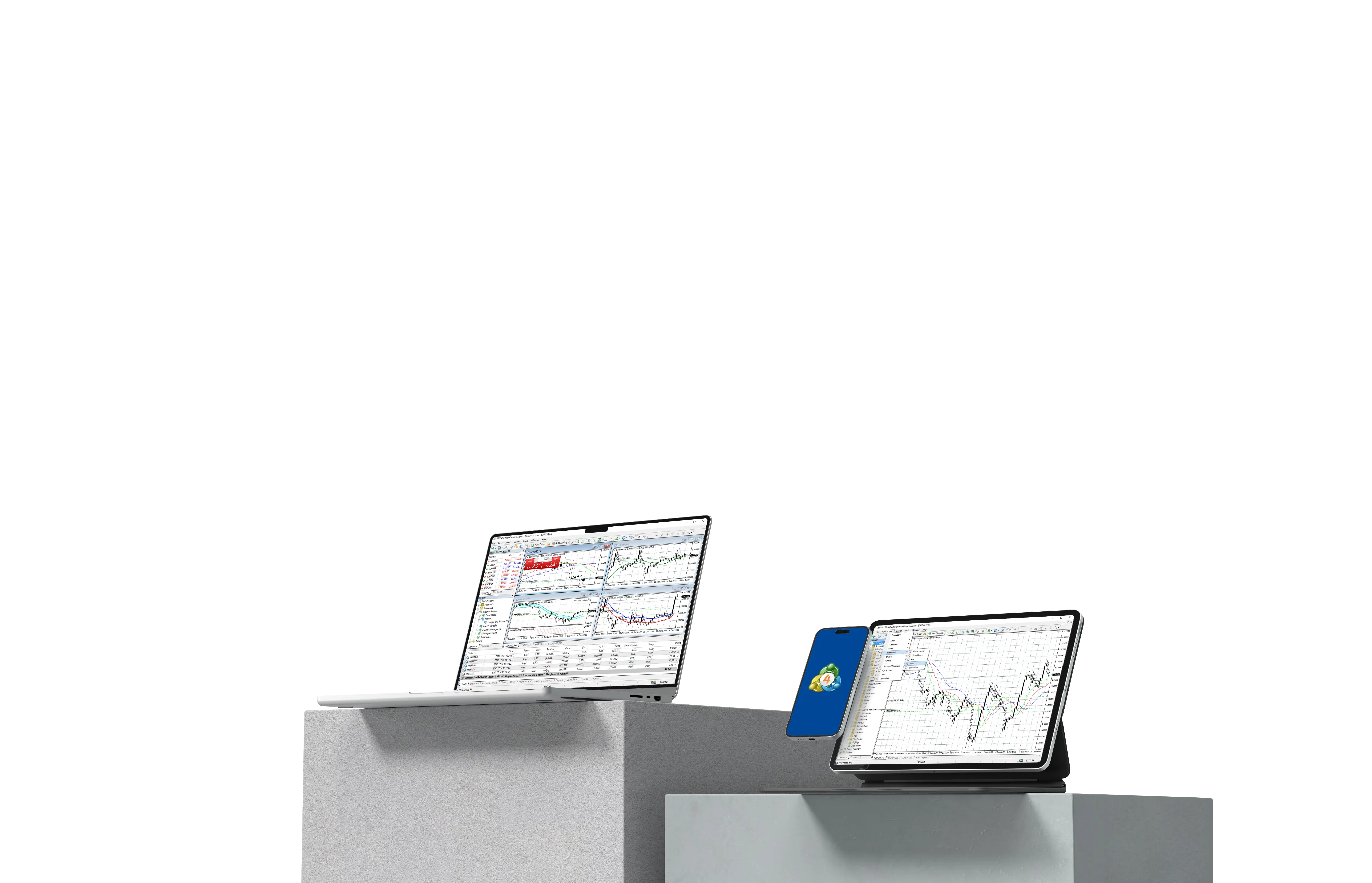
TMGM的MetaTrader 5
TMGM隆重地推出MetaTrader 5,这是为现代交易者设计的行业领先平台。
凭借先进的图表工具和复杂的订单管理系统,MetaTrader 5帮助您高效有效地监控和控制您的交易。
无论您选择我们的Raw Spread还是Standard账户,
您都将享受到为您的需求量身定制的无缝交易体验。
立即开始使用TMGM的MetaTrader 5进行更智能的交易。
开始交易
下载 MetaTrader 5
支持所有Android、iPhone和Webtrader。
为什么选择在TMGM上使用MetaTrader 5交易?

访问广泛的交易工具
see more
交易超过100+种金融工具,包括货币对、指数、商品等。

先进的图表和分析工具
see more
MetaTrader 5拥有超过80种技术指标和分析工具,为交易者提供详细的洞察以做出明智的决策。

低延迟快速执行
see more
TMGM的MT5平台确保快速执行速度,让您能够高效地执行交易。这对于在快速变化的市场中捕捉机会至关重要。

支持对冲
see more
MT5通过支持对冲(持有同一品种的多个头寸)提供灵活性,满足不同的交易策略。

内置交易日历
see more
通过集成的交易日历保持更新,提供影响全球市场的关键事件的实时更新。

多设备可用
see more
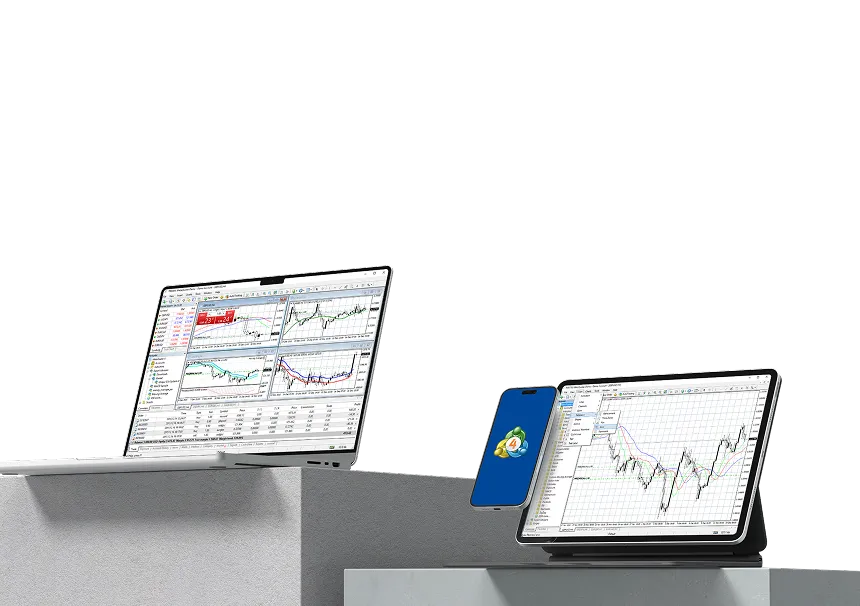
您可以从桌面、网页或移动设备访问您的MT5账户,确保您可以随时随地轻松交易。
创建您的MT5 账户?
准备好体验 TMGM 的与众不同了吗?立即开设真实账户,或通过免费模拟账户体验我们的优质交易条件。

01
申请
选择您的账户类型。
设置
02
完成在线注册。


03
验证
验证您的身份。
入金
04
为您的账户注资。


05
下载
下载 MT5。
交易
06
开始交易。

01 申请
选择您的账户类型。
02 设置
完成在线注册。
03 验证
验证您的身份。
04 入金
为您的账户注资。
05 下载
下载 MT5。
06 交易
开始交易。


13+ 年经验和 $2.045万亿
交易量
凭借超过十年的经验,TMGM赢得了全球交易者的信赖,在MetaTrader 4和5平台上 促成了20,450亿美元的交易。
MetaTrader 5 (MT5) 常见问题解答
初次接触MetaTrader 5?
什么是MetaTrader 5?
+
如何开设TMGM MT5账户?
+
什么是TMGM MT5模拟账户?
+
我的TMGM MT5模拟账户能持续多长时间?
+
如何为TMGM下载MT5?
+
TMGM的MT5是否支持移动设备?
+
有哪些交易工具可用?
+
有哪些可用的附加功能?
+


加入超过100万客户,使用我们屡获殊荣的交易平台
1
申请真实
交易账户
交易账户
2
完成账户
入金
入金
3
立即开始
交易
交易
立即注册
通过TMGM探索更多关于MT5的信息

What Is MetaTrader 5 (MT5) and How to Use It
MetaTrader 5, or MT5, is a multi-asset trading platform developed by MetaQuotes for analysing financial markets, placing and managing trades, and running automated trading strategies. Traders connect MT5 to a broker account to receive market prices, access available instruments, submit trading orders, and monitor positions through one trading interface.
继续阅读
2026-10-01 01:14:39
How to Use MT5 on PC, Desktop & Laptop – Beginner’s Step-by-Step Guide to MetaTrader 5
MetaTrader 5 (MT5) is a powerful, next-generation trading platform that builds on the successes of the ever-popular MetaTrader 4 (MT4) platform. It offers a wider range of advanced charting tools, additional timeframes, more pending order options, and the ability to trade multiple asset classes, making it the preferred choice for professional and beginner traders. In this comprehensive guide, we will explain everything you need to know about setting up and using MT5 on your desktop PC. From exploring the user interface to offering helpful navigation tips and step-by-step instructions on placing trades, this guide will help you unlock the full potential of MT5’s powerful features. Whether transitioning from MT4 or starting fresh, this step-by-step guide will help take your trading experience to new heights with the added flexibility and tools MT5 offers.
继续阅读
2026-08-07 08:58:10
How to Use MT5 on Mac – Beginner’s Step-by-Step Guide to MT5
MetaTrader 5 (MT5) is a next-generation trading platform that builds on the successes of the ever-popular MetaTrader 4 (MT4) platform. It offers a broader range of advanced charting tools, additional timeframes, more pending order options, and the ability to trade multiple asset classes, making it the preferred choice for professional and beginner traders. The best part for Mac users? MT5 has been natively developed for macOS, ensuring a smoother and more reliable experience and no need for third-party software, unlike its predecessor, MT4.
This comprehensive guide will explain everything you need to know about setting up and using MT5 on your MacBook or Macintosh Desktop. From exploring the user interface to offering helpful navigation tips and step-by-step instructions on placing trades, this guide will help you unlock the full potential of MT5’s powerful features.
Whether transitioning from MT4 or starting fresh, this step-by-step guide will help take your macOS trading experience to new heights with the added flexibility and tools MT5 offers.
继续阅读
2026-07-31 03:29:27













本网站提供的信息仅具有一般性质,不构成个人财务建议。在根据本网站上的任何信息采取行动之前,您应结合自身的目标、财务状况和需求,考虑该信息是否适合您。投资差价合约(CFD)和外汇保证金合约具有重大风险,并不适合所有投资者。您的亏损可能超过初始入金。您并不拥有,也不享有任何相关标的资产的权益。我们建议您寻求独立意见,并在交易前确保您已充分了解所涉及的风险。在购买本网站列出的任何产品之前,务必阅读并考虑相关披露文件。本网站提供的信息和广告并非面向任何在其所在国家或司法管辖区使用此类信息会违反当地法律法规的人士。本网站提供的产品和服务不面向美国、马来西亚和泰国居民。
TMGM 是由多家金融监管机构授权。
TMGM 集团下的 Trademax Australia Limited 公司(交易名称为TMGM),是由澳大利亚证券和投资委员(ASIC)监管的金融服务公司,金融服务牌照号为 436416,公司地址为 Level 28, One International Tower, 100 Barangaroo Avenue, 2000 Sydney, NSW Australia.
TMGM 集团下的 Trademax Global Limited公司(交易名称为TMGM),是由瓦努阿图金融服务委员会(VFSC)监管的金融服务公司,金融牌照号为 40356,注册地址为 1276, Kumul Highway, Port Vila, Vanuatu, Republic of Vanuatu.
Trademax Global Markets (SE) Limited,以 TMGM 名义经营,获塞舌尔金融服务管理局(FSA)授权并监管,许可证号为 SD224。公司注册地址为塞舌尔马埃岛 Providence Estate ABIS 中心13号办公室。
TMGM集团下的Trademax Global Markets (International) Pty Ltd公司(交易名称为TMGM),是由毛里求斯金融服务委员会监管的金融服务公司. 牌照号为 GB22201012,注册地址为33, Edith Cavell Street C/o IQ EQ Fund Services (Mauritius) Ltd Port Louis, 11324 Mauritius.
版权所有 © TMGM。保留所有权利